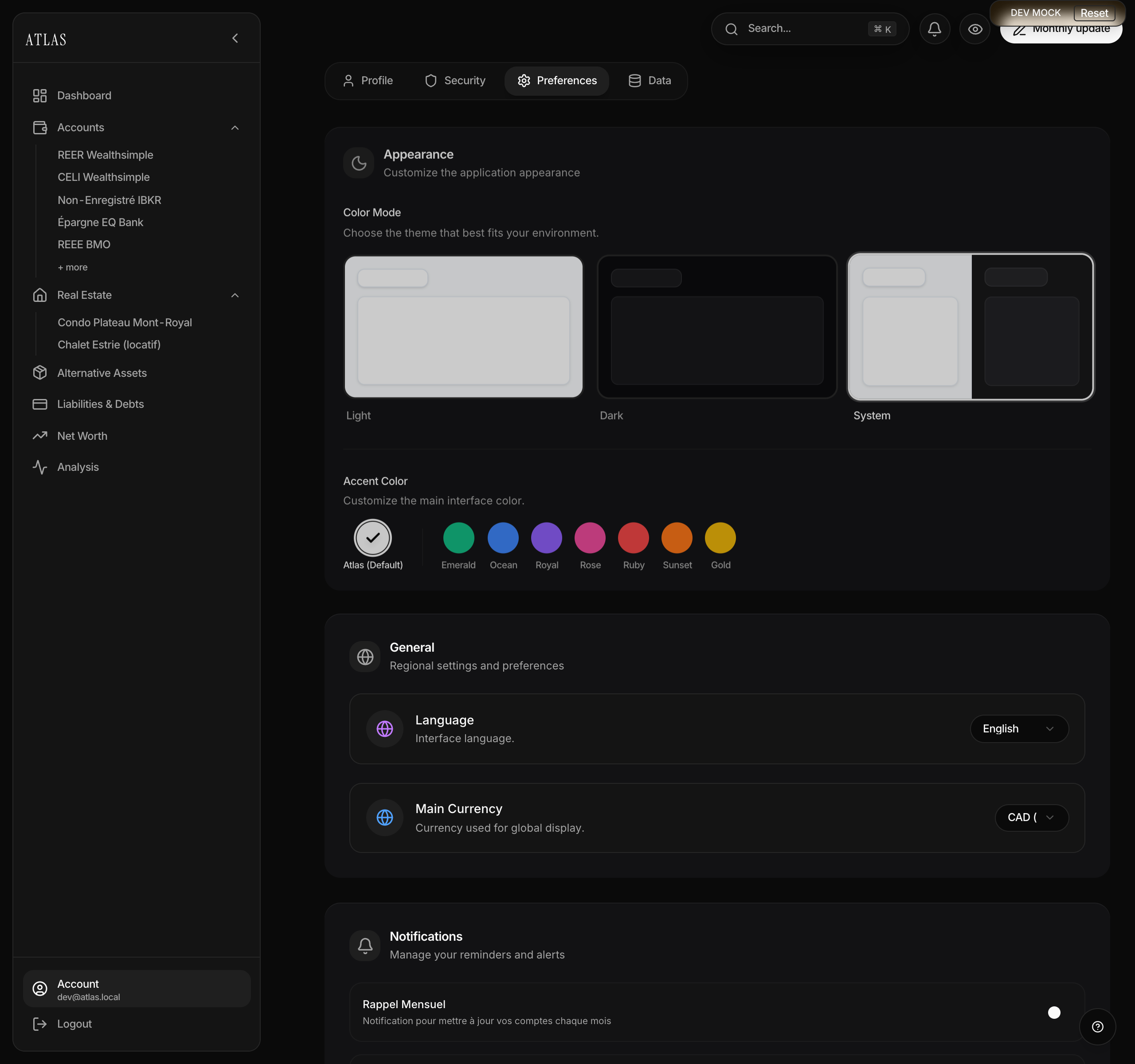
Your main currency is the one Atlas shows your net worth, totals and indicators in. It's a display setting: changing it doesn't touch the amounts entered on your accounts, it presents them in another unit.
Affected: the dashboard figures, the evolution charts, the category totals, the Atlas Score.
Not affected: each account's or asset's own currency, and their histories.
What Atlas can convert
Atlas fetches live rates for major currencies (CAD, USD, EUR, GBP, CHF, JPY, CNY, AUD) and for the main crypto symbols (BTC, ETH, SOL, USDC, USDT), with a fallback table while they load.