Define up to 4 goals — home purchase, early retirement, travel, getting out of debt — and link them to your accounts so Atlas tracks your progress on its own.
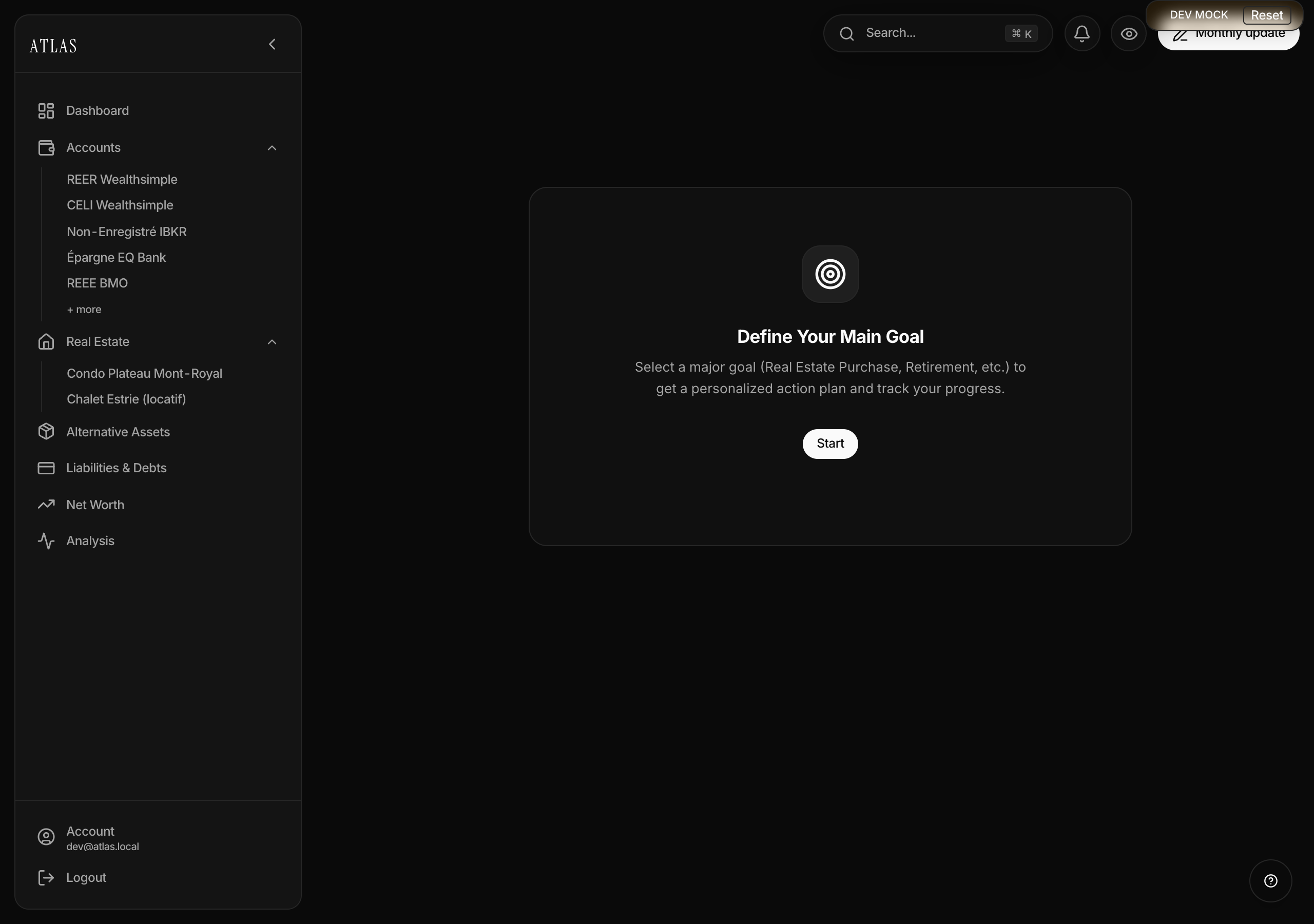
Creating a goal
On an empty workspace, the page invites you to define your main goal. After that, the New button adds others.
- Pick a type among 9:
- Home purchase — property price, down payment percentage, "first home" checkbox, target month and year.
- Early retirement — current age, target age, target wealth.
- Children's education — number of children, years until studies, target per child.
- Emergency fund, Debt-free, Travel, Investment, Business, Custom — a target amount, an amount already saved (optional) and a target date (optional).
- Link accounts — optional, but it's what makes the goal live. See below.
- Save. The first goal becomes the main goal.
Linking accounts
Rather than keeping an amount up to date by hand, link the goal to one or more accounts. Atlas adds their balances month after month and derives the progress.
Each linked account carries an allocation share. One account can serve two goals at once: 80% of your TFSA toward the home purchase, 20% toward retirement. The slider is in the goal editor next to each ticked account, and the cards show "X% allocated" as soon as a share drops below 100.
One exception is handled for you: a Home purchase goal marked "not a first home" sums your TFSAs by default, the most common down-payment pot.
Reading progress
A goal's page shows:
- The percentage reached and the amount remaining.
- The per-account detail of the balances counted, converted to your main currency.
- A 120-month chart: your projected trajectory against the ideal line, the one you'd need to hold to hit the target date.
- A trajectory simulator — a monthly-savings slider that recomputes the estimated arrival date live and redraws the curve.
The mortgage calculator link
A Home purchase goal offers a link to the public site's mortgage calculator, prefilled with your own figures: the target price, the down payment, the first-home status and the goal's amortization. You get the real payment, the insurance premium, the land-transfer tax (Québec's "welcome tax") and the cash needed at closing, without re-entering anything.
Editing and deleting
Every goal is editable, main and secondary alike, from its card's menu. Deletion follows the usual rule: immediate disappearance, an Undo notification for a few seconds, then permanent.
Current limits
- Sharing between partners — not available yet.